
Choose the social structure
Prepare a family, household, crew or network for your adventure. Set the size, complexity, generations and overall closeness or conflict.
Tabletop people and connections
A family. A loyalty.
A debt. A private connection.
Prepare the ties between people.
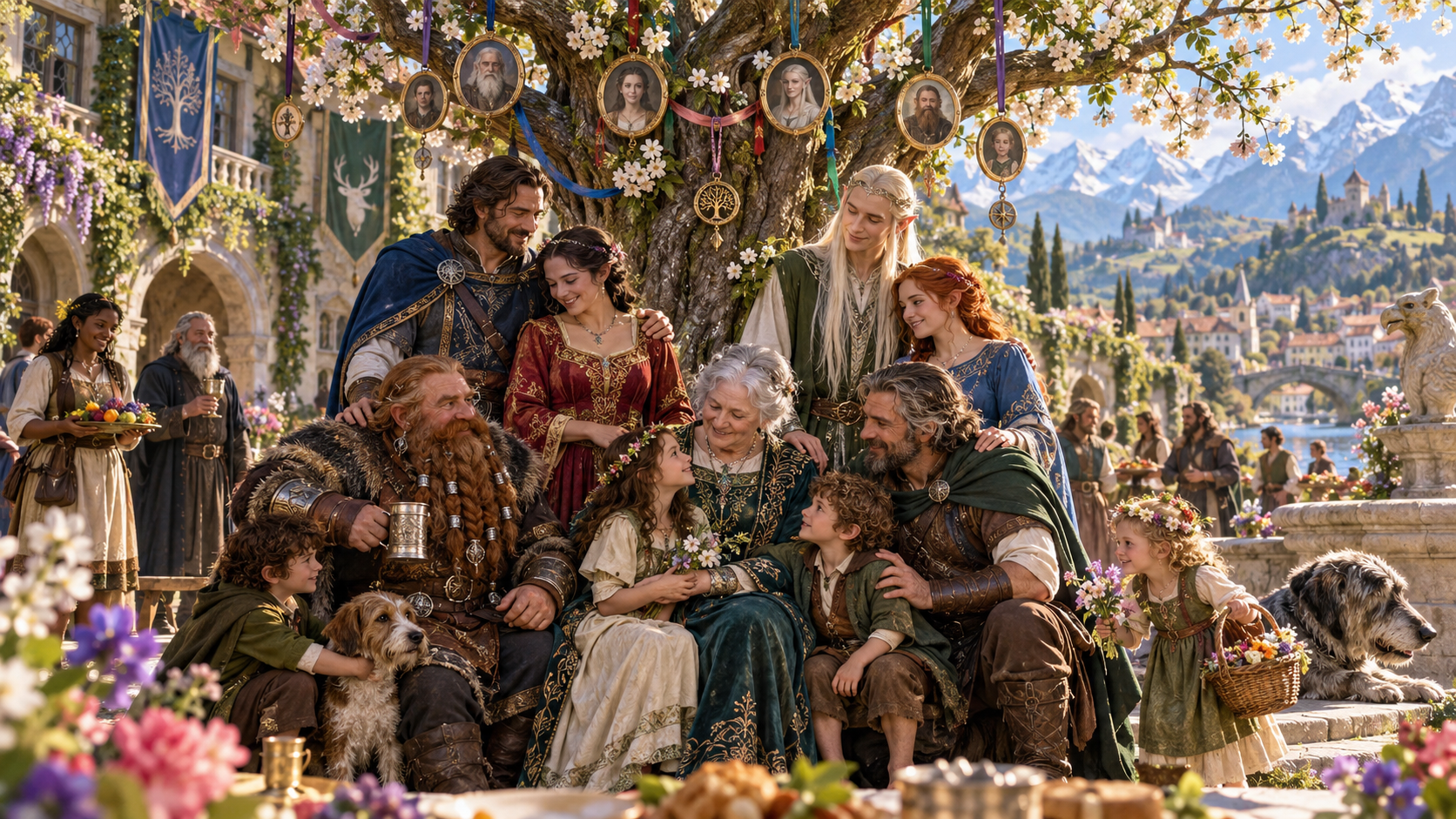
People with ties that matter
Prepare the people, relationships and tensions together.
Prepare a family, household, crew or network for your adventure. Set the size, complexity, generations and overall closeness or conflict.
Review loyalties, rivalries, debts, inheritance and private connections. Decide which ties matter to the characters and the next scene.
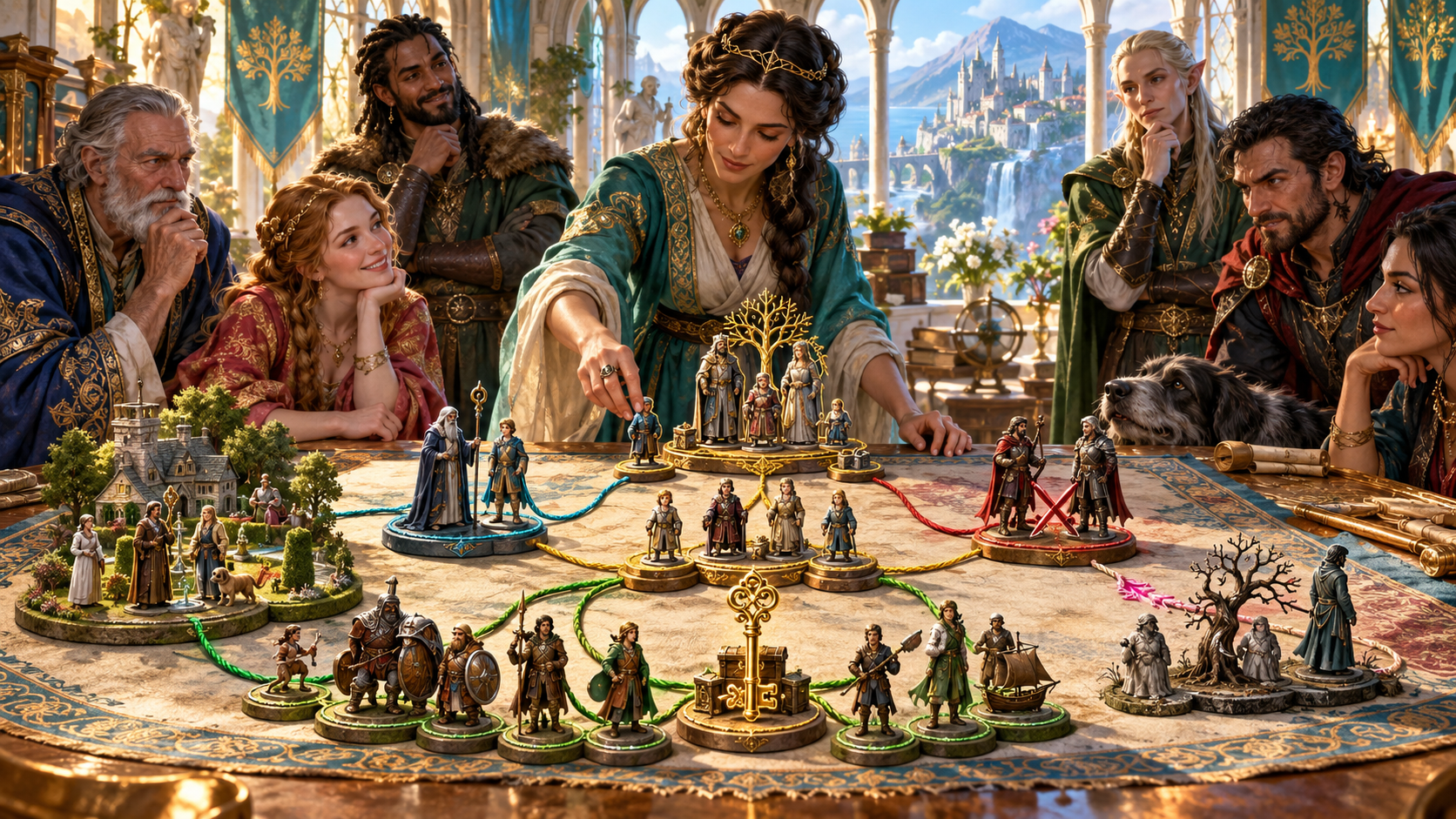
Family. Mentors. Rivals.
The illustration shows people arranging groups of figures linked by coloured cords, with a family tree, a household, rivals, a key and an inheritance chest.
Prepare family and social ties alongside friendships, loyalties, debts, employment and mentorship. Review the people involved and decide how each connection matters in your campaign.
Relationship and lineage preparation
Review the network and shape it for your adventure.
Prepare a family tree, household, crew, mentor line, rival network or inheritance dispute. Choose the social structure your adventure needs.
Choose the number of people, complexity and generations. Review the people and their place in the network before using the result.
Set the overall closeness and conflict. Use friendships, loyalties, estrangement and rivalries to prepare relationships with something at stake.
Add debt, leverage and inheritance to your preparation. Consider who owes something, who expects to inherit and what that means for the story.
Include mentorship and employment ties. Connect people through teaching, duties, shared work and the commitments those ties create.
Choose secret density and optional hidden ties or parentage. Review the private explanation and decide what the characters can learn.
Include absent or deceased people in the network. Review how their place in the family or household affects those still present.
Add social context, optional romance and anything the result should avoid. Review the network against your campaign before play.
Edit the material, compare results or reroll a section during preparation. Review the people and relationships together after making changes.
Save to your signed-in account, search, reopen, rename, tag and annotate records. Copy the complete record, download the structured network or print it.
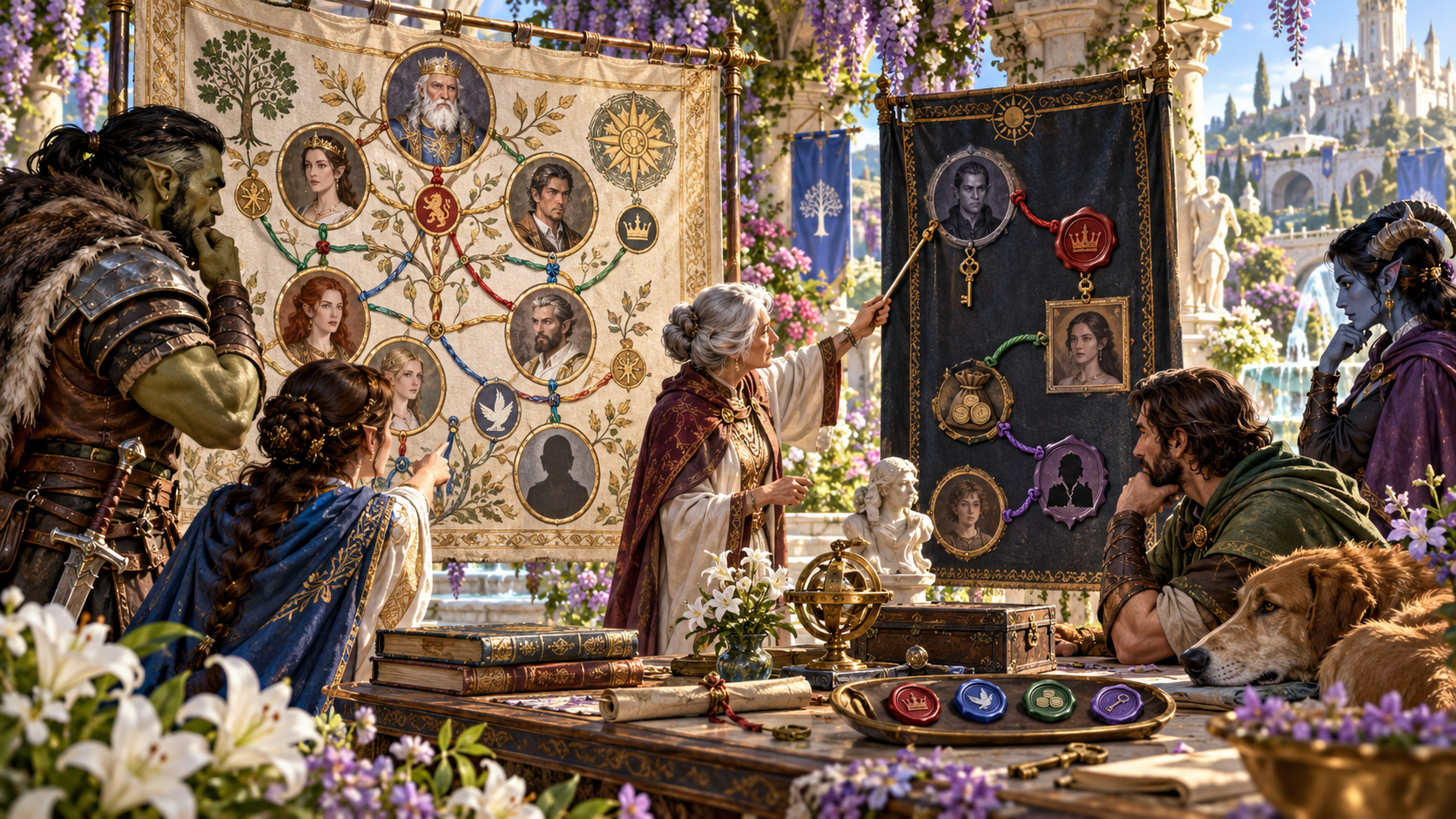
Review public ties and private notes
The illustration shows a group reviewing a family portrait tree beside a dark panel of private connections, with keys, coins and coloured ties between portraits.
Review the Dungeon Master and player-known views before sharing material. Choose the information that belongs in the scene, keep your private preparation separate and decide how a hidden tie could be revealed.
From the people to the story
A focused preparation workflow.
Set the people count, type, complexity and generations. Choose the closeness and conflict that fit your world.
Set debt, inheritance, mentorship, employment, missing members and optional secrets. Add social context and avoidances.
Read the people, family and household ties, loyalties, rivalries and hooks. Edit the material to fit established campaign facts.
Decide what the characters know and what is at stake. Keep a useful result with your preparation and review it before sharing.
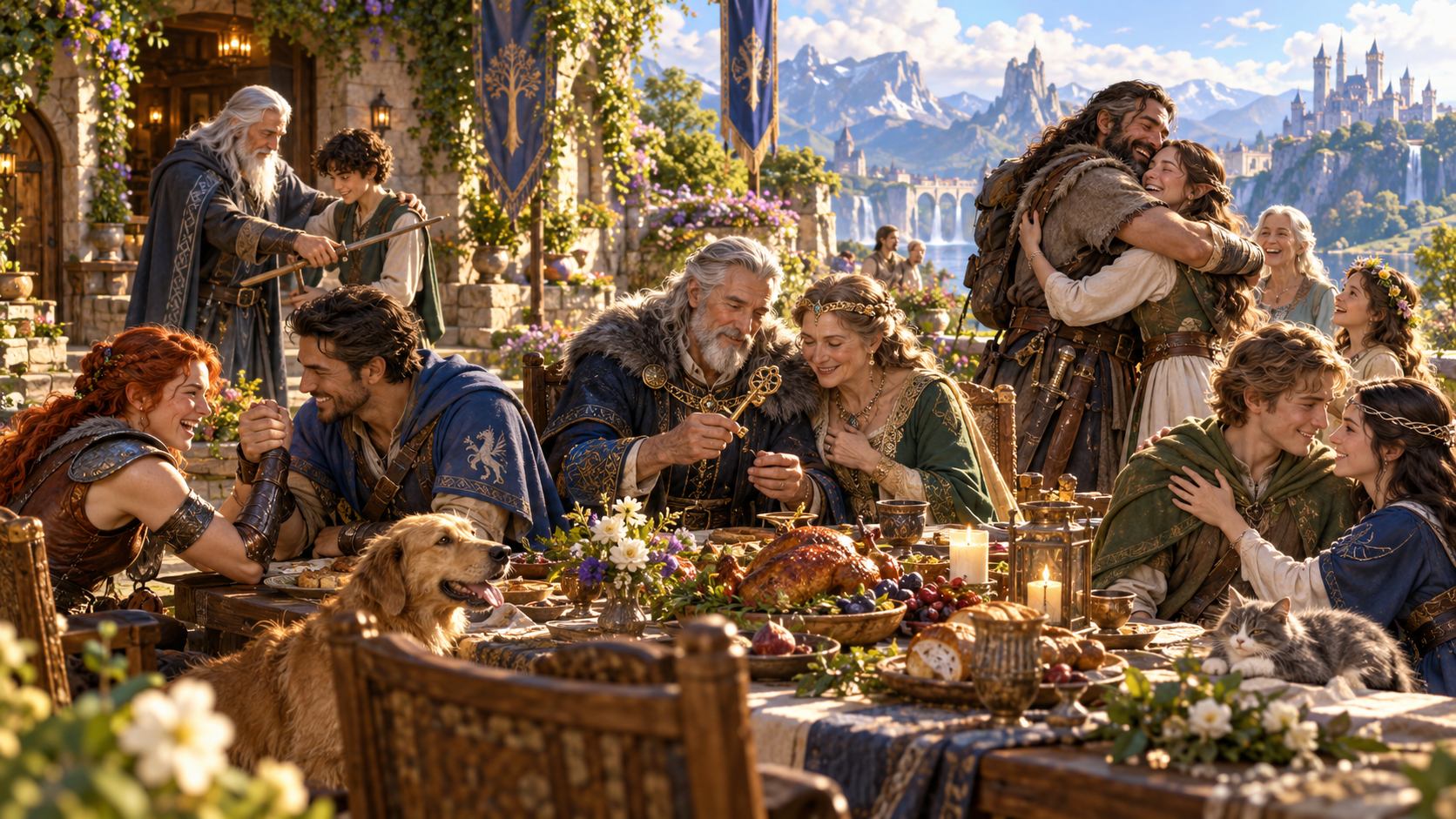
Bring the connections to the table
The illustration shows several generations gathering around a garden table, with a mentor guiding a child, an older couple sharing a key and family members greeting one another.
Use the prepared people and ties to shape a gathering, disagreement or reunion. Review the loyalties, debts and tensions, then decide what the characters can discover through the scene.
Keep useful relationship material
Keep the network with your campaign preparation.
Save to your signed-in VISINVOKE account and reopen a useful record. Search by name and delete records you no longer need.
Rename, tag and annotate saved records. Use earlier versions when reviewing the material you have kept.
Copy the complete relationship record or download the structured network. Keep it alongside your campaign notes.
Choose the Dungeon Master or player-known view and print useful material. Review its exact contents before giving anything to players.
Your workspace and related tools
Open your tools through your VISINVOKE account.

Open Relationship & Lineage Generator in DCC. Get the desktop workspace through your account installer page.

Prepare a separate story about making amends, its cost and how others respond. Use that material alongside your adventure.
Product illustrations show generations, social ties, private notes and family gatherings.
Questions and answers
Preparation, review, saved networks and account access.
Prepare families, households, crews, mentor lines, rival networks, inheritance disputes, private connections and related branches. Review the people, ties, tensions and hooks for your campaign.
Quick setup covers people count, network type, complexity, generations, closeness and conflict. Deep setup adds debt, inheritance, mentorship, employment, absent members, secrets, social context and avoidances.
Choose secret density and optional hidden ties or parentage. Read the private explanation, then decide what the characters know and what could be revealed in play.
Review and edit the material, compare results or reroll a section. Check the people and ties together before treating a revised result as established campaign information.
Save to your signed-in account and reopen useful records. Copy the complete record, choose a Dungeon Master or player-known view, download the structured network or print it. Review the exact content before sharing.
Open Relationship & Lineage Generator from the Generators collection in VISINVOKE Desktop Control Centre. Create an account or sign in and get DCC through your account installer page.
Continue in VISINVOKE
Create an account or sign in. Get Desktop Control Centre through your account installer page and open Relationship & Lineage Generator.
Keep useful networks, saved records and exports together in your desktop workspace.